
Become the better operation
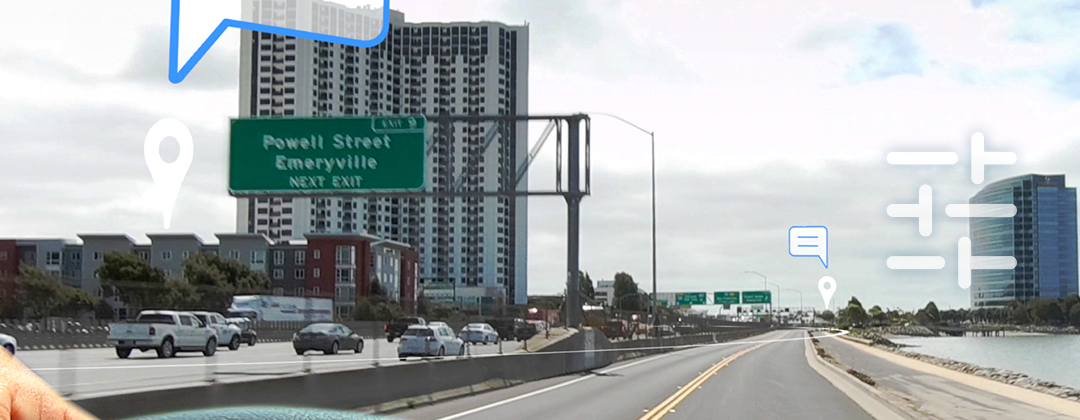
GPS-triggered Voice Messages delivered before workers arrive on‑site.
How to set location-based audio messages
Watch how operation managers inform and remind their teams in the field, in transit to properties, and on route to job sites.
Get Started

Plan Communication - 1:50 min
Eliminate repetitive tasks by scheduling reminders and useful information at locations for access and safety.

Sign up - 1:41 min
Get started and experience in just minutes how to set and deliver a location-based audio message.
Receivers

Add Contacts - 1:19 min
Add contacts and organize them to assign Smart Reminders as group messages based on their destination or their activities.

Assign Smart Reminders - 1:26 min
Make your operation more efficient by deciding who receives reminders to eliminate unnecessary distractions.
Smart Reminders
Message Settings - 1:35 min
Schedule the date and time; set the duration and repetition of location-based messages for precise communication.

Remote Supervision - 1:14 min
Know when a message has been heard, and when there are delays from the day’s scheduled work.
Operations

Increase Capacity - 1:26 min
Add Operators and Admins to handle larger teams and bigger projects. Get a bird’s eye view on all your activities.
Use in the field

Tips & Best Practices - 1:51 min
Efficiency comes from knowing how to use a tool to its full potential. Learn how to get the results you want.
Sig2 Automated Reminders are the game-changer
GPS-triggered Voice AI messages change your operation from reacting to anticipating and monitoring.
Now planning means you can set reminders ahead of time on each location where you want information heard.
Free 14-day Pilot
Experience Sig2 with a plan for success.
Get the best results
The field tests we conduct to ensure Sig2 performs as needed, have shown that when you deliberately plan your communication in the field with prepared Receivers in your organization, the use of location-based audio messages will make an immediate and noticeable difference in the efficiency of your day-to-day operations.
Steps to follow
- Plan 15 minutes of uninterrupted time.
- Watch the videos for how to use Sig2.
- Go over the pilot checklist.
- If you want assistance, fill out the form.
- Go to the Sig2 login page to sign up.
- Set your first location-based audio message.